Open your first project
A Nerve project points to a local directory. The project record and conversation history live in NERVE_HOME; the code remains in the directory you select.
Select a directory
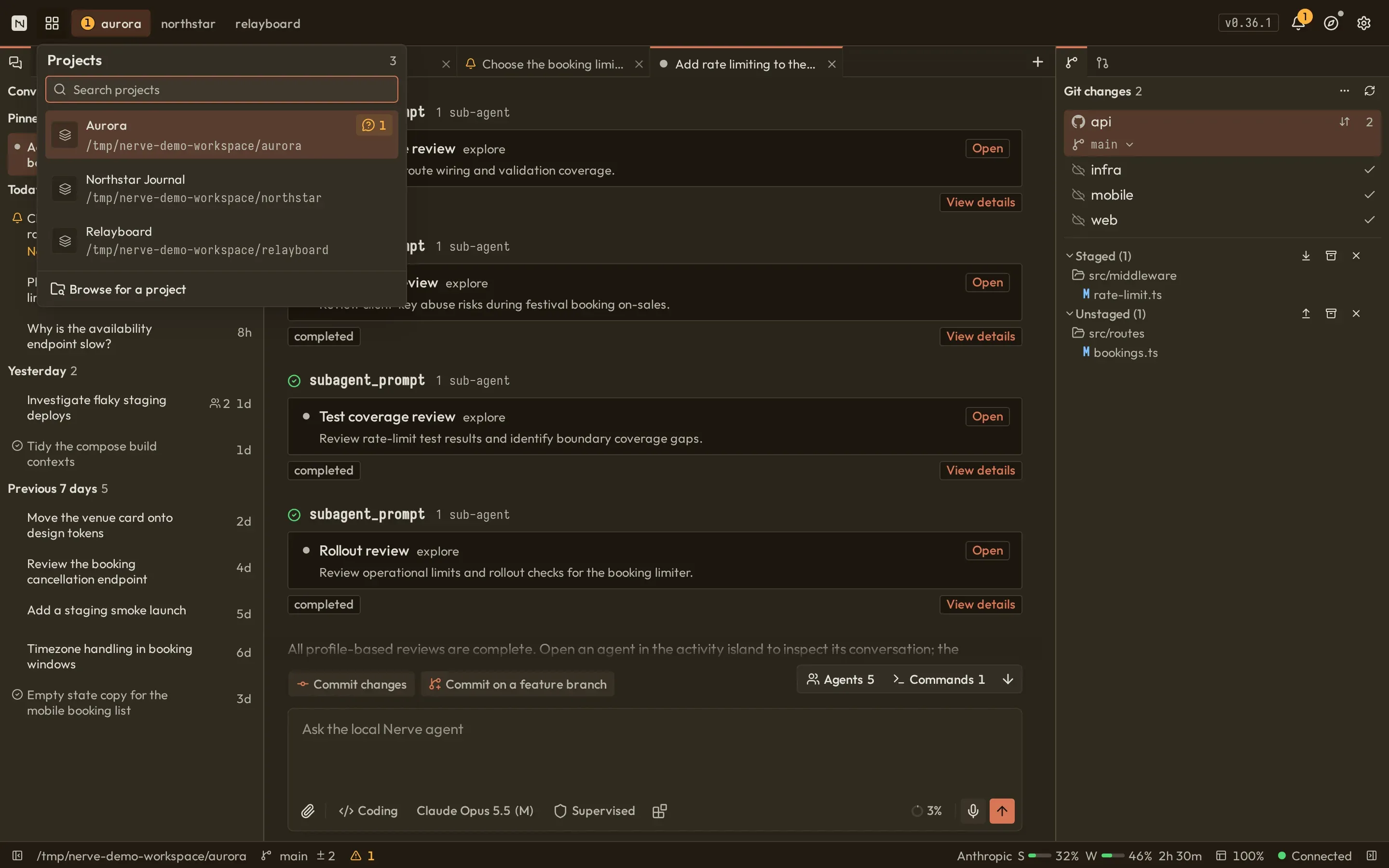
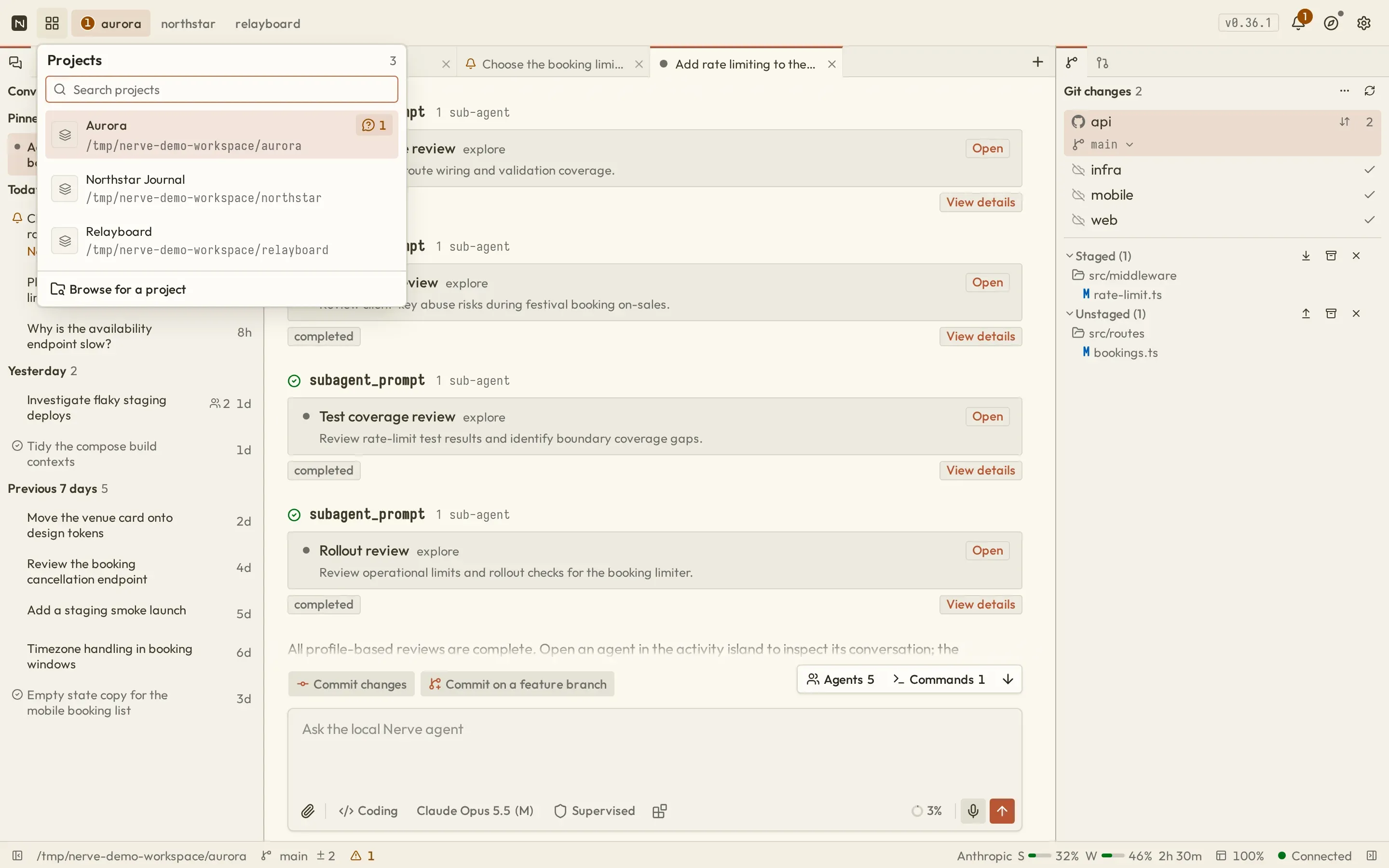
Section titled “Select a directory”- Open the project switcher from the title bar.
- Choose a recent project, or select Browse for a project to open the full directory picker.
- In the picker, choose Recent or Browse. You can browse from your home directory or enter a path directly.
- Select the repository or workspace root, then create a conversation.
The switcher filters known projects by name and directory path and supports arrow-key navigation. Its activity indicators highlight projects with conversations waiting for you, active or failed runs, or running launches. The full picker highlights common project signals such as Git, package workspaces, Python, Rust, and Go; hidden directories are omitted from normal browsing.
Nerve resolves absolute and symbolic paths where possible and reuses an existing project record for the same canonical directory. Switching changes the selected Workbench scope; it does not discard the other project’s persisted conversations or launches.
Selecting a directory gives enabled agent tools direct access to that workspace according to the current permission level. Nerve does not require the directory to contain Git, but a clean Git working tree makes review and recovery easier.
Start supervised
Section titled “Start supervised”Choose:
- Coding mode;
- Supervised permission;
- your authenticated model and supported thinking level.
Send an inspection-first prompt such as:
Inspect this project and explain its architecture. Do not modify files.
You will see text and any thinking returned by the provider, plus cards for file reads, search, and other tool calls. Supervised mode automatically allows safe reads. Commands, changes, and network access remain gated unless a focused allow exception applies.
Navigate the workbench
Section titled “Navigate the workbench”- Conversations, Files, Launches, and Notes start in the left dock; Git, Pull Requests, and Context start in the right dock.
- Conversations, file previews, launch and background-command output, PR details, settings, auth, and logs open as center tabs.
- Panels can move, hide, and resize; layout is stored in browser local storage.
Use the built-in guide
Section titled “Use the built-in guide”After opening a project, choose Help → Guides → Work through the Workbench for an interactive tour. The catalog also includes provider, voice, model, agent-default, and web-search setup coaches.