Get started with Nerve
Nerve is a local-first desktop coding harness for people who want an agent’s work to stay visible and controllable. This path takes you from installation to a small, reviewed change with supervised permission.
Your first run
Section titled “Your first run”- Install Nerve. Launch the desktop app from npm or a source checkout. You need Node.js 24 or newer.
- Connect a model provider. Choose API-key or OAuth authentication, then select a default model.
- Open a project. Select a local directory and begin with Coding mode plus Supervised permission.
- Complete a safe first task. Inspect first, review approvals and diffs, run focused validation, and verify the final Git state yourself.
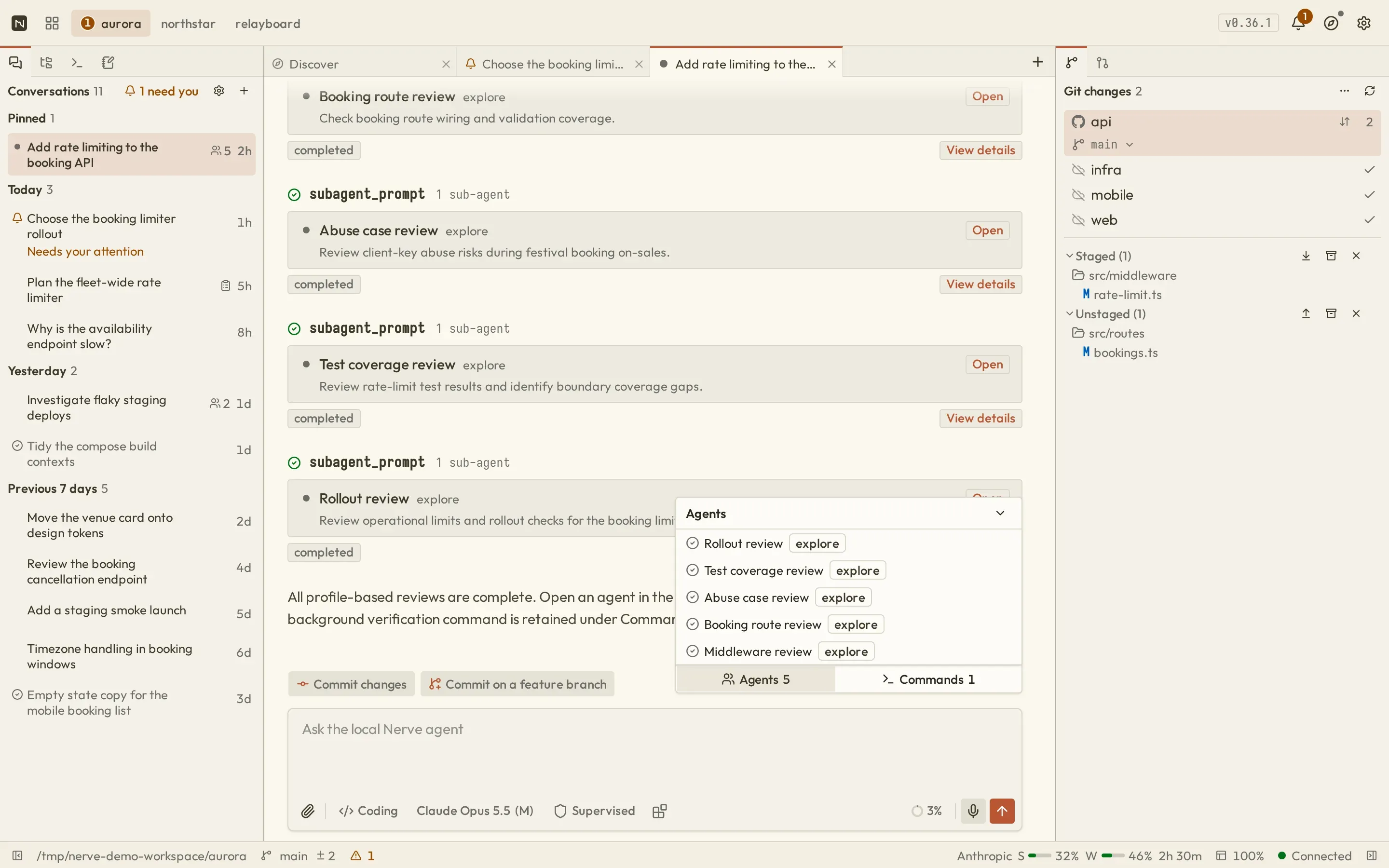
Nerve workbench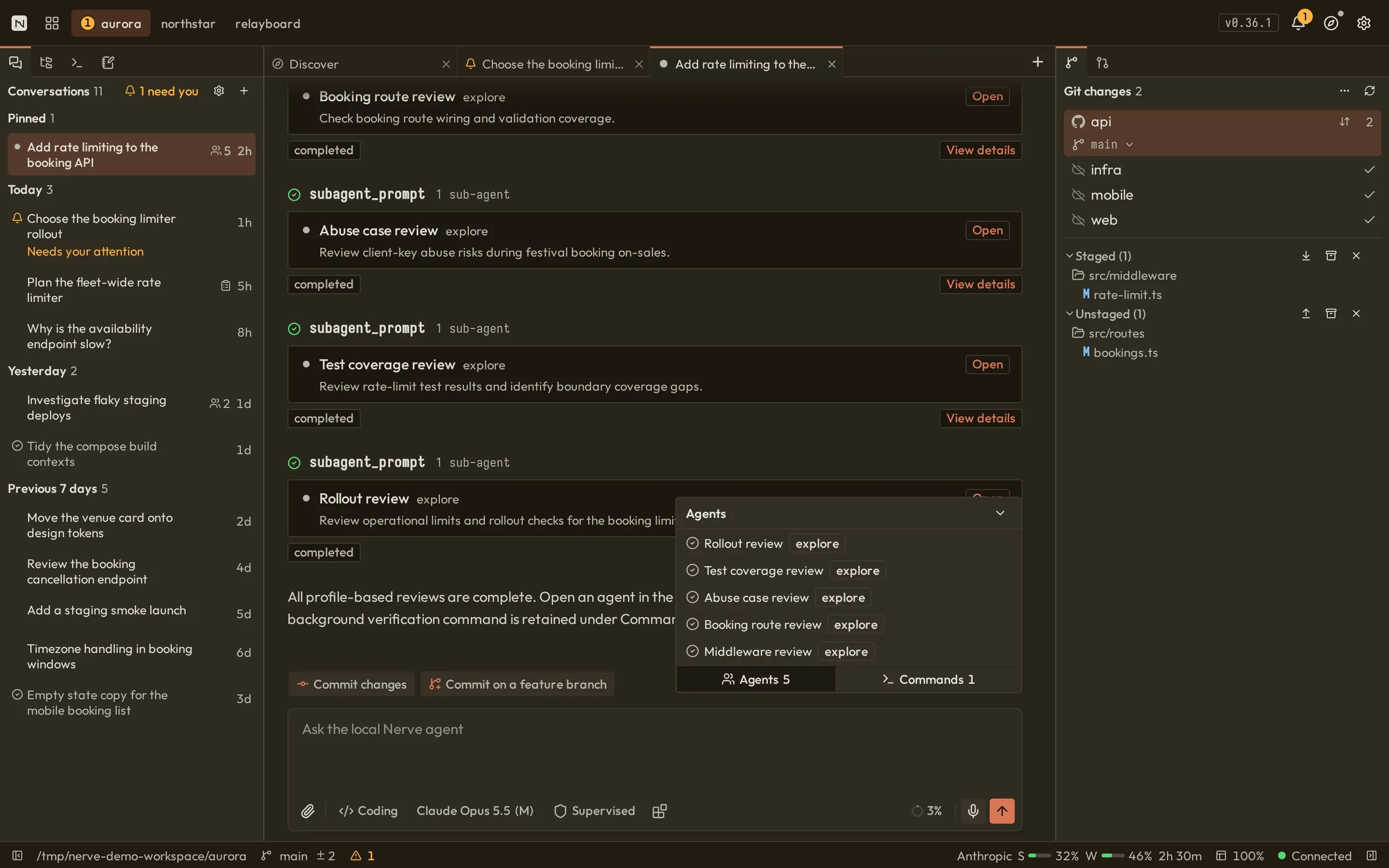
Choose the path you need
Section titled “Choose the path you need”Learn the daily workflowNavigate conversations, the composer, reviews, files, Git, pull requests, launch configurations, and background commands.
Configure models and integrationsConnect providers, select models, and enable optional Web, Python, Atlassian, or browser guidance.
Operate Nerve safelyUnderstand configuration, storage, security, browser access, LAN/mobile use, and remote daemons.
Build and extend NerveExplore package boundaries, the harness, tools, persistence, and Protocol v1.
Understand the product first
Section titled “Understand the product first”If you are still evaluating Nerve, start with What is Nerve? for the local-first topology, core concepts, and authority model. For a symptom you are already troubleshooting, use the troubleshooting index.