Work with Git and pull requests
Git panel
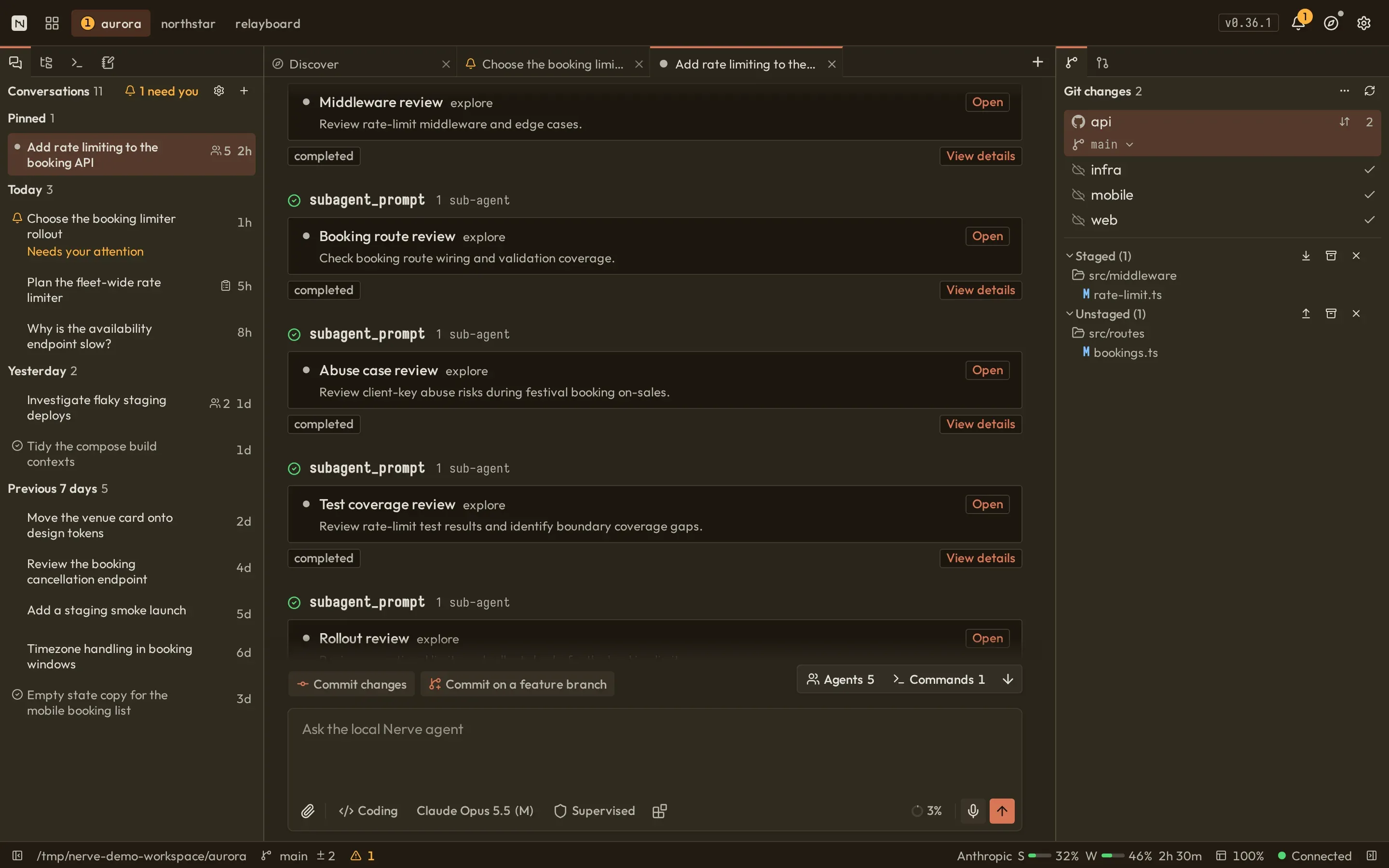
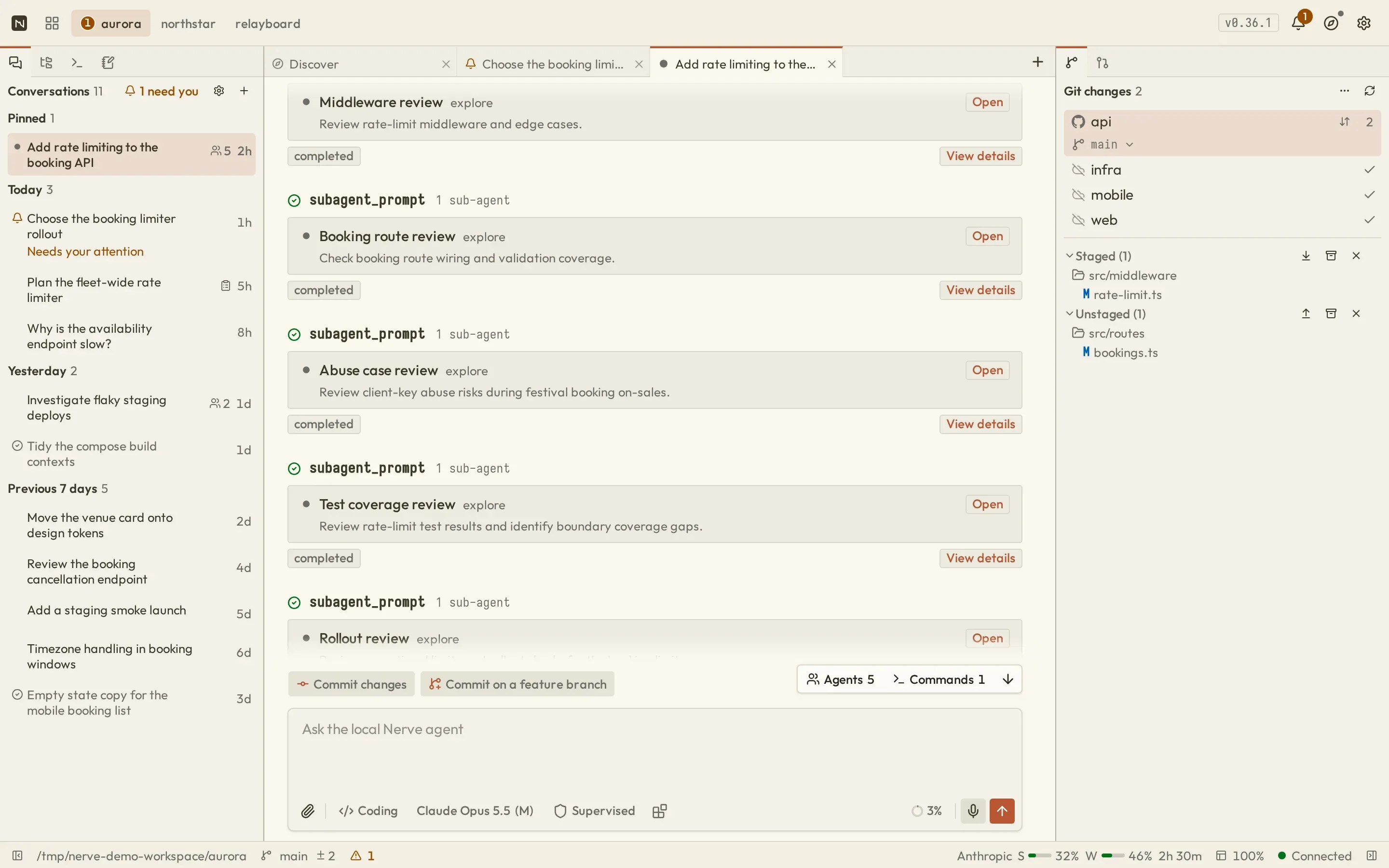
Section titled “Git panel”The Git Changes panel discovers repositories in the project. Repository chips show branch and change counts; select one to inspect its staged and unstaged files and recent commits. When the current branch has a pull request, its row links directly to the PR and its checks.
Available operations include branch creation and switching, stage/unstage, stash, discard, fetch, pull, push, and sync. The Staged and Unstaged headings expose whole-group actions; right-click a repository, group, folder, or file for scoped actions. Open a changed file to review its diff before staging. Destructive discard asks for confirmation. Folder expansion is remembered locally per repository and change area.
Stash actions preserve the area where you invoke them: stashing from Staged saves staged changes, while stashing from Unstaged saves unstaged and untracked changes without changing the index. File and directory actions limit the stash to that path. When a repository has saved stashes, Stashes (N) opens a manager where you can apply a stash without removing it or permanently drop it after confirmation.
Background remote operations
Section titled “Background remote operations”Fetch, pull, push, and sync run as background operations, so you can keep working while they complete. The repository’s sync control shows progress and offers Stop when cancellation is supported. Failures expose Retry/Dismiss and details in the header’s Activity/Notifications popover.
With multiple repositories, the All repositories menu offers Fetch all, Pull all, and Switch all to base and pull. The last action asks for confirmation and uses fast-forward-only pulls; Git stops if local files would be overwritten. Each repository reports its own result. Stopping an operation does not roll back completed steps or remote updates.
These Workbench operations are server routes, not agent tools. An agent uses Git indirectly through finite Bash commands, subject to its mode and permission policy.
GitHub pull requests
Section titled “GitHub pull requests”GitHub support requires:
- a Git repository with a GitHub remote;
- the
ghCLI installed; gh auth logincompleted for the relevant host.
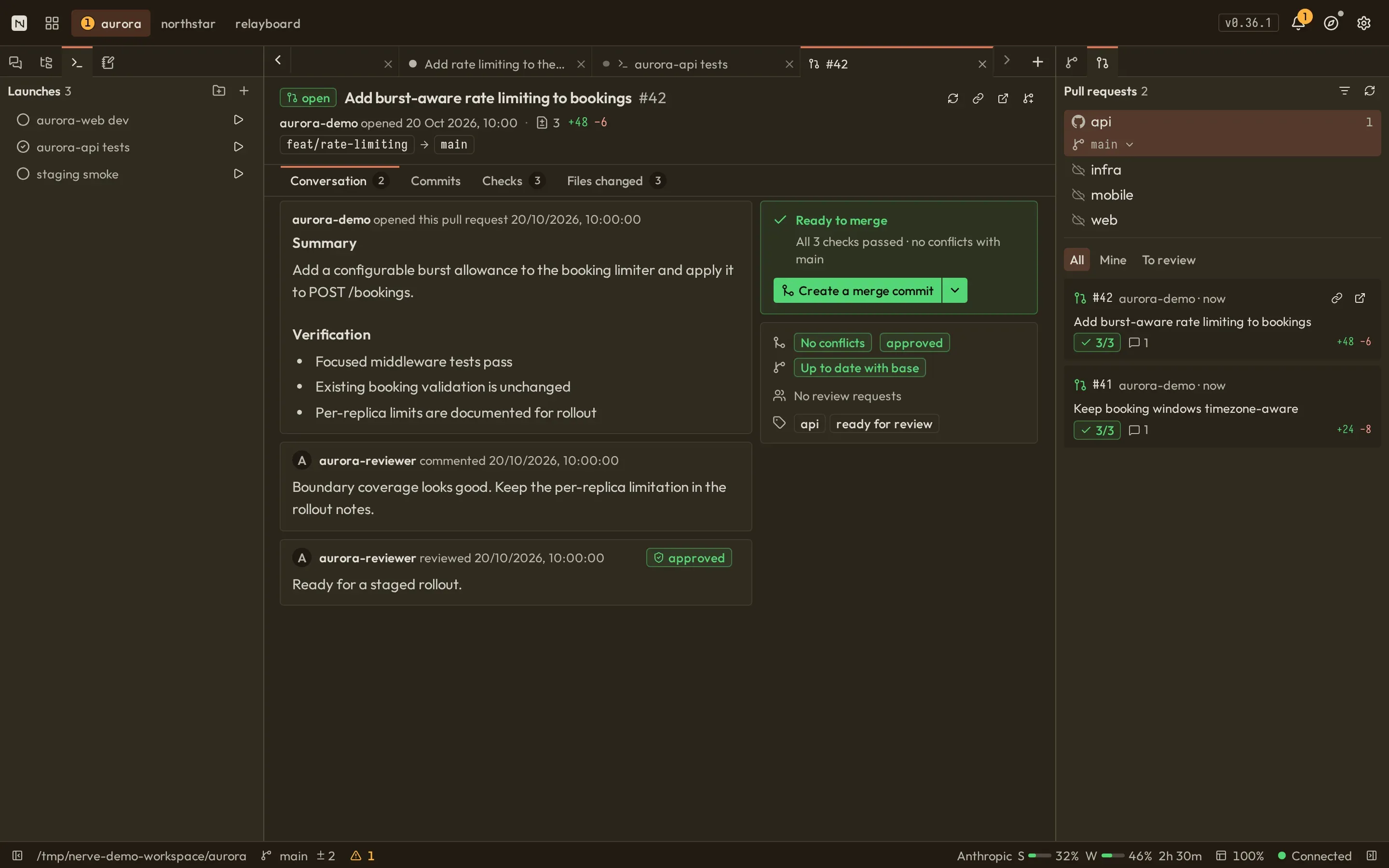
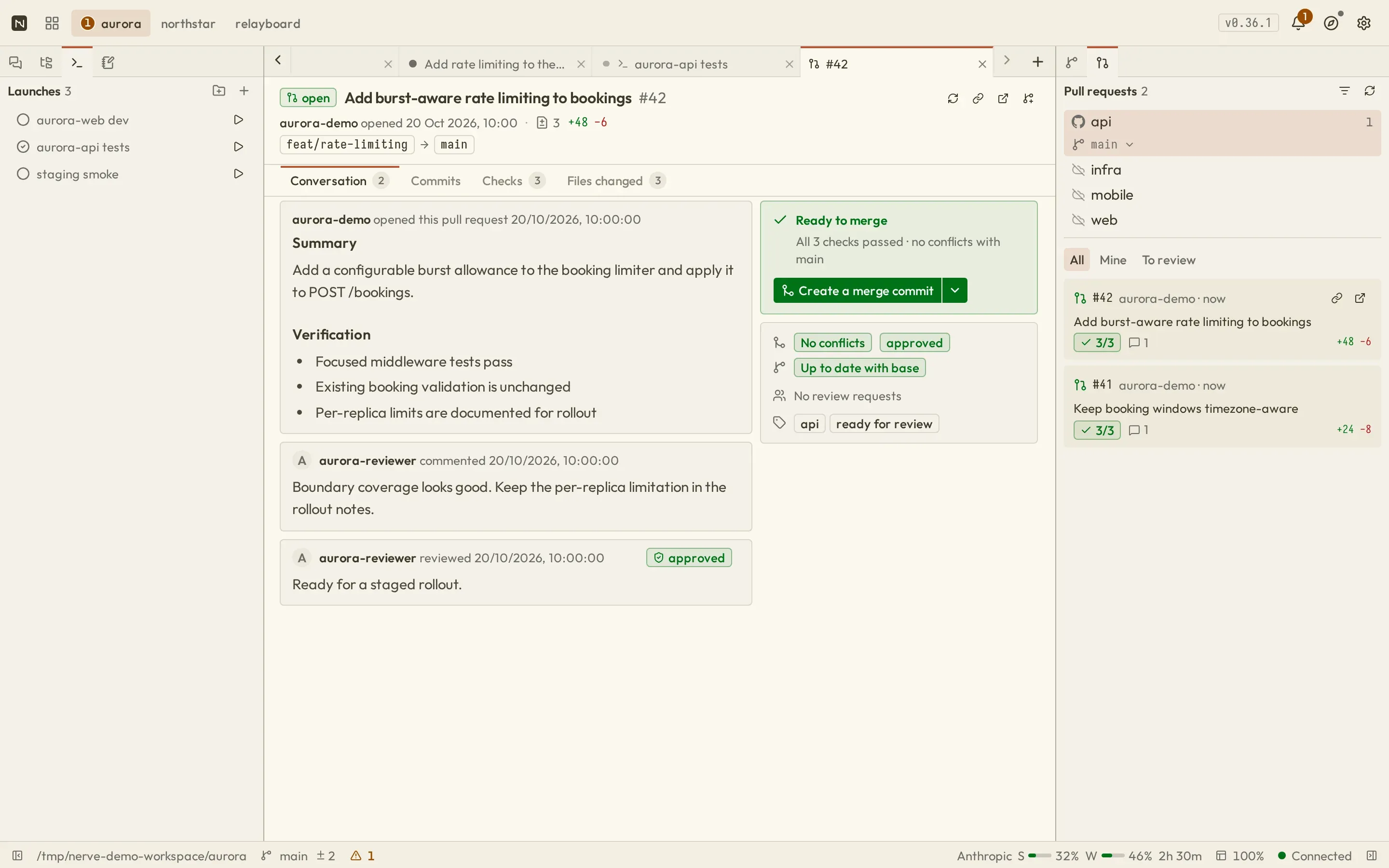
The Pull Requests panel groups PRs by repository. Use All, Mine (authored by you), or To review (your review requested) to narrow the list; these quick filters preserve other advanced filter settings. Open a PR in a center tab to review its summary and merge status, then switch among Conversation, Commits, Checks, and Files. Changed files open their diff in the PR view. Checkout and merge are available when the repository state permits.
PR sections load independently. If a refresh or diff load fails, the affected section offers Retry, while failure details appear in header Activity. Existing loaded content can remain visible during refresh; a loading indicator is not evidence of a successful checkout or merge.
Checkout and merge can modify local or remote state. Read the confirmation, working-tree status, target/base branch, and check results before proceeding.
Agent follow-ups
Section titled “Agent follow-ups”Contextual built-in suggestions can appear when Git state calls for committing changes, moving work off a base branch, or creating a PR. They insert agent instructions; they do not bypass Git review or tool approvals.