Free & open source · Beta

See everything.
Steer it live.

A local-first coding harness where every prompt, thought, tool call, approval, and diff is a typed event you can inspect — and a running agent you can retune without stopping it.

npx @nervekit/desktop@latestNode.js 24+

Runs locally. Bring your own API key or supported provider subscription.

nerve · live run

Simulated Nerve run: the user prompt, the agent's reasoning, a read tool call with its bounded output, an approval gate for an edit, the applied diff, a verification command, and the final reply.

  1. You

    Add a retry budget to the run recovery path.

  2. Recovery lives in run-recovery.ts. A budget needs the retry count and the base delay in one place, so both call sites read one constant.

  3. readpackages/harness/src/run-recovery.ts
    Read 214 lines
    214 linesShow 7 more items
  4. approvaledit needs reviewapproved
  5. editpackages/harness/src/run-recovery.ts
    +12 −3 · retry budget wired into the recovery loop
    2 hunksShow 7 more items
  6. bashpnpm test --filter @nervekit/harness -- run-recovery
    ✓ recovery continues from checkpoint (12 tests)
    Done in 3.2s
    6 linesShow 7 more items
  7. Retry budget added: three attempts on a 2s exponential base.

  • Apache-2.0Free & open source
  • Linux · macOS · Windows 11Cross-platform
  • 127.0.0.1:3747Local daemon by default
  • API key · subscriptionBring your own provider
  • ~/.nerveYour state, your disk

Retune the run while it runs

Change the model mid-thought.

Model, thinking level, agent mode, permission — change any of them on an active conversation and it applies from the next provider request. The controls below are wired to the stream.

These controls are live — the stream reacts to you.

Model
Thinking
Agent mode
Permission

None of these recreate the conversation. The event already streaming finishes under the old settings; the change applies to the next provider request. Plan mode constrains edits to Nerve's plan storage; read-only blocks mutation, execution, and ordinary network.

nerve · same conversation

Simulated Nerve run that reacts to the controls beside it: changing model, thinking, mode, or permission adds a configuration marker to the stream and the next agent turn follows the new settings.

  1. You

    The policy test is flaky — pin it down.

  2. The failure is time-dependent. Freezing the clock before the assertion should make it deterministic.

  3. readexamples/policy-window.test.ts
    Read 168 lines
    168 linesShow 7 more items
  4. approvaledit needs reviewapproved
  5. editexamples/policy-window.test.ts
    +4 −4 · clock frozen before the assertion
    1 hunkShow 7 more items
  6. bashdemo test policy-window --repeat 20
    19 passed · 1 failed on attempt 14
    assertion raced a debounce timer
    9 linesShow 7 more items
  7. Deflaked: the clock is frozen before the assertion now.

Nothing happens off-screen

A run is not a spinner. It's a stack of typed events.

Prompts, reasoning, tool calls, results, approvals, and recovery are separate events. Each keeps its evidence, and all of it stays in history.

Every layer keeps its evidence.

Tool calls retain the inputs they were given and the bounded output they produced, and both stay inspectable afterwards.

The gate is real.

In supervised mode the run is blocked while a review gate is pending. Nothing below the gate executes until you answer it.

Thinking is honest.

Reasoning appears when a provider returns it. Nerve never reconstructs private reasoning a provider withholds.

  1. You

    Add a retry budget to the run recovery path.

    prompt
    The instruction, stored verbatim.
  2. Thinking

    Locating the recovery entry point before editing anything.

    reasoning
    Reasoning, when the provider returns it.
  3. read

    packages/harness/src/run-recovery.ts

    call
    A tool call keeps the arguments it was given.
  4. result

    214 lines · bounded output

    done
    And the output it produced.
  5. approval

    edit needs review

    waiting
    Supervised mode stops here until you answer.
  6. edit

    run-recovery.ts · +12 −3

    applied
    The diff is reviewable before it ships.
  7. Nerve

    Retry budget added: three attempts, 2s exponential base.

    reply
    And the whole run stays in history.

Authority, not vibes

Decide what the agent may do — before it does it.

Nerve enforces permission in the harness policy layer, not just in the system prompt. Change the level and the tool policy changes with it.

Permission level

tool policyevaluated in the harness
  • read · grep · find · lsInspect the workspaceallowedallowedauto-approval can be switched offallowedallowedallowedauto-approval can be switched offallowed
  • edit · writeChange filesblockedneeds approvalallowedblockedneeds approvalplan storage only — elsewhere is blockedallowedplan storage only — elsewhere is blocked
  • bashRun commandsallowedknown read-only commands onlyneeds approvalknown read-only commands auto-approveallowedallowedguarded read-only commands onlyneeds approvalblacklist guard must pass firstallowedblacklist guard must pass first
  • python_execRun Pythonblockedneeds approvalallowedblockedneeds approvalallowedwrites restricted to artifact storage
  • web_search · web_fetchReach the networkblockedneeds approvalallowedblockedneeds approvalallowed
  • task_start · task_controlSupervise processesblockedtask_status and task_logs stay allowedneeds approvaltask_status and task_logs auto-approveallowedblockedtask_status and task_logs stay allowedblockedtask_status and task_logs stay allowedblockedtask_status and task_logs stay allowed
  • exploreLaunch read-only sub-agentsblockedneeds approvalallowedblockedneeds approvalallowedchildren are forced read-only
  • jira · confluence writesMutate delivery toolsblockedneeds approvalallowedblockedblockedblocked
  • ask_user · todos_setAsk you, track workallowedallowedallowedallowedallowedallowed

Bash and Python restrictions are policy guardrails, not an operating-system sandbox.

The harness stays out of the way

Your model, at full intelligence.

No walls of instructions wrapping every request. A concise base prompt, a small polished tool surface, and constraints enforced in the policy layer — so the model's capability reaches your code intact.

“Work in the current project, use tools safely, and keep responses concise.”
nerve-system-prompt.ts · the default base promptreadgrepfindlseditwritebashpython_execweb_searchweb_fetchtask_startexploreask_usertodos_set

A concise base prompt

One working sentence by default. Tool rules, mode constraints, and project context are appended only when the run actually uses them.

A small, polished tool surface

A compact set of workspace tools with bounded output, so the model spends its tokens on your problem instead of on ceremony.

Enforcement, not prose

Plan mode keeps research available and constrains edits to plan storage — in the policy layer, not in paragraphs of instructions.

One workbench, your whole stack

Open the parent directory. Work across every repo.

Point Nerve at the workspace that holds your API, web app, and mobile app. It discovers the repositories beneath it and keeps Git, diffs, and pull requests for all of them in one shell.

  • Repositories are discovered beneath the workspace root — up to two levels deep — and switchable in one Git panel.
  • Stage, commit, push, pull, and sync per repository from the same shell as the conversation.
  • Pull requests live beside each repo: read the summary, watch checks, merge when the state permits.
Git and pull requests in Nerve

GitHub pull requests need a GitHub remote and an authenticatedgh.

~/projects/acmeworkspace root3 repos found
  • acme-api/⎇ main4 changedPR #212 · checks passing
  • acme-web/⎇ feat/checkout12 changedahead 3 · behind 0
  • acme-mobile/⎇ maincleansynced

The workbench is the interface

Follow the signal from intent to merge

Real project context stays connected across the conversation, Git, pull requests, and supervised tasks.

01

Inspect every action

The transcript is the evidence.

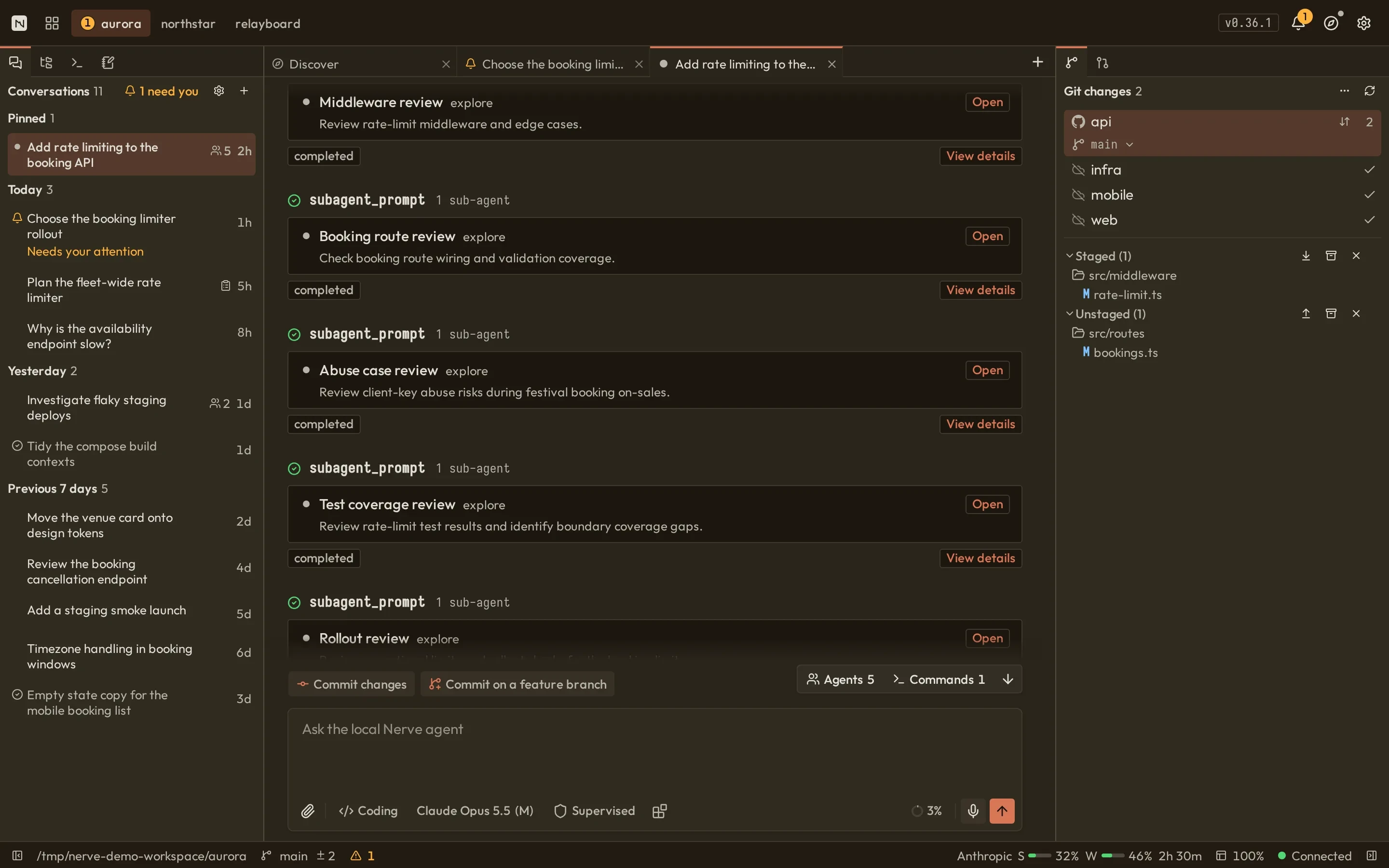
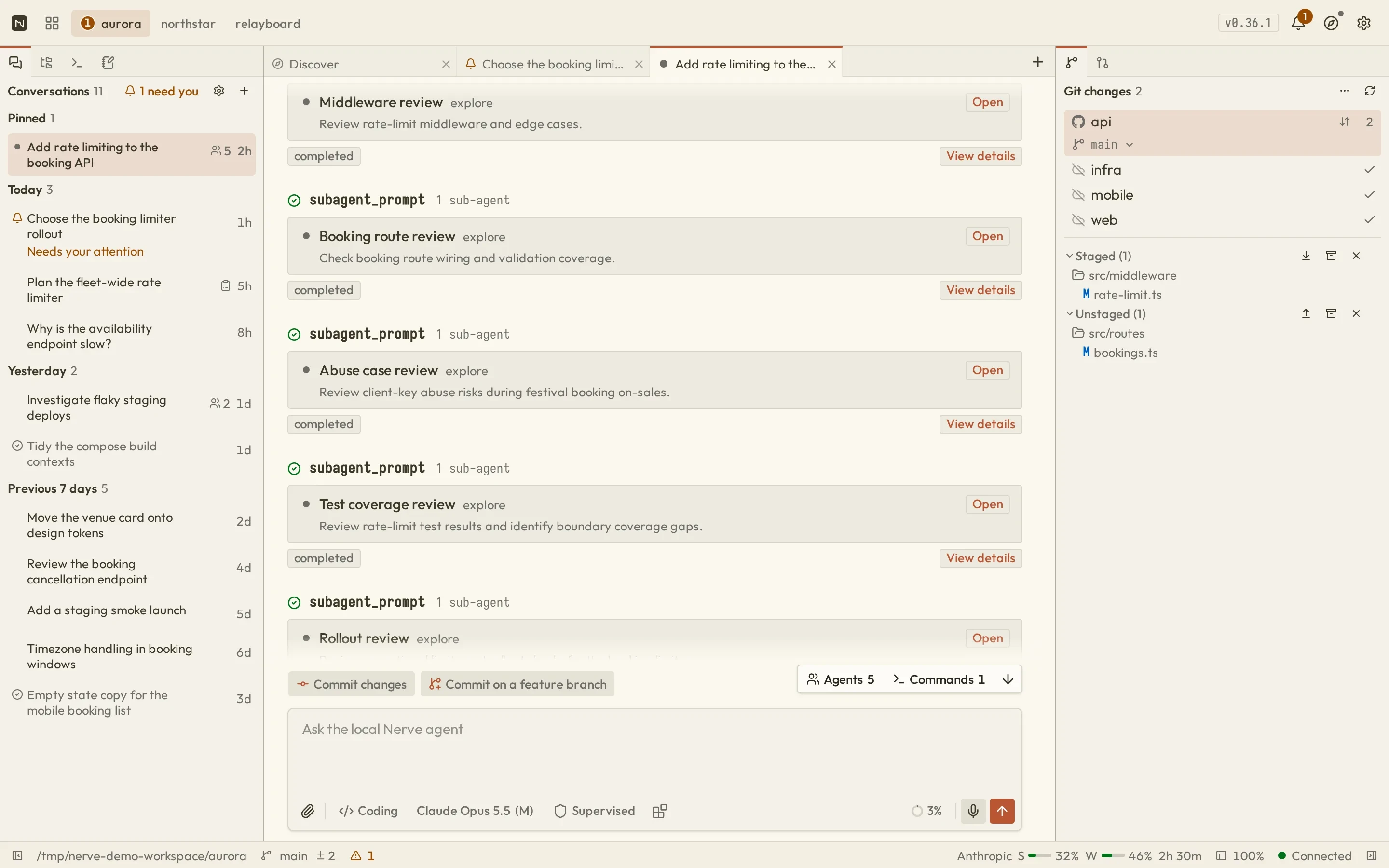
Prompts, reasoning, commands, edits, results, and recovery stay separate and inspectable.

  • Tool calls retain their inputs and their bounded output
  • Changes stay reviewable before they ship
nerve · conversation
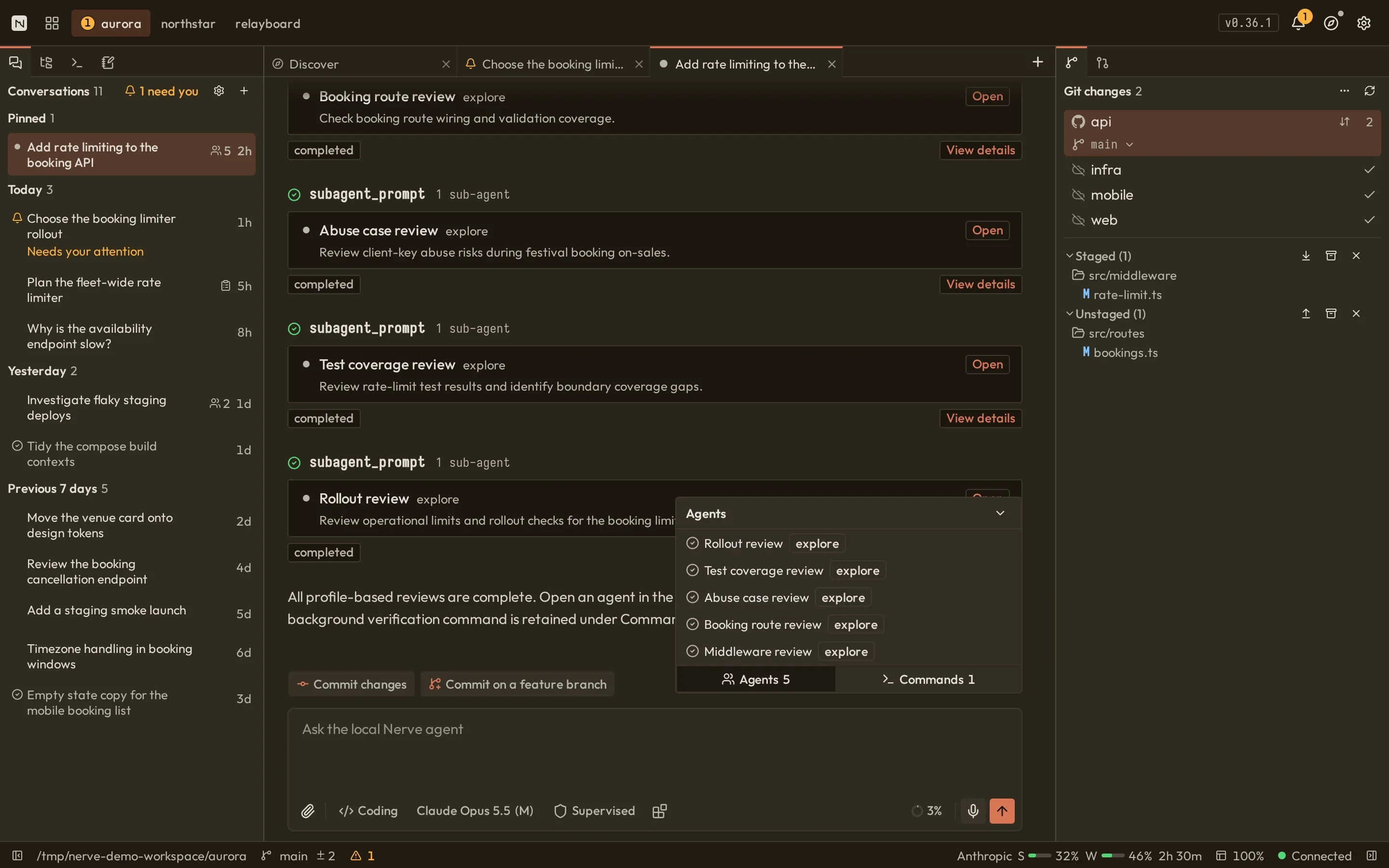
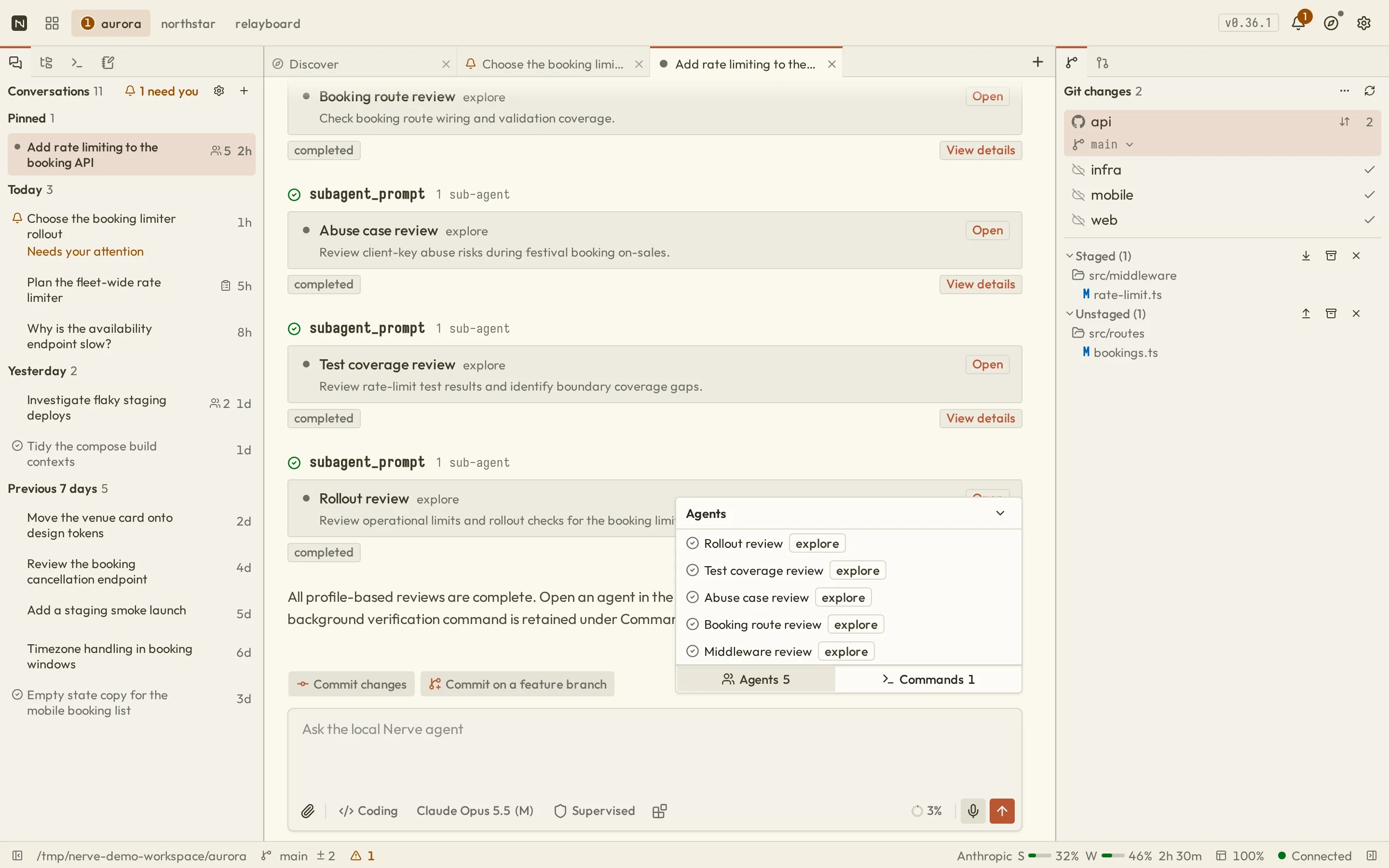
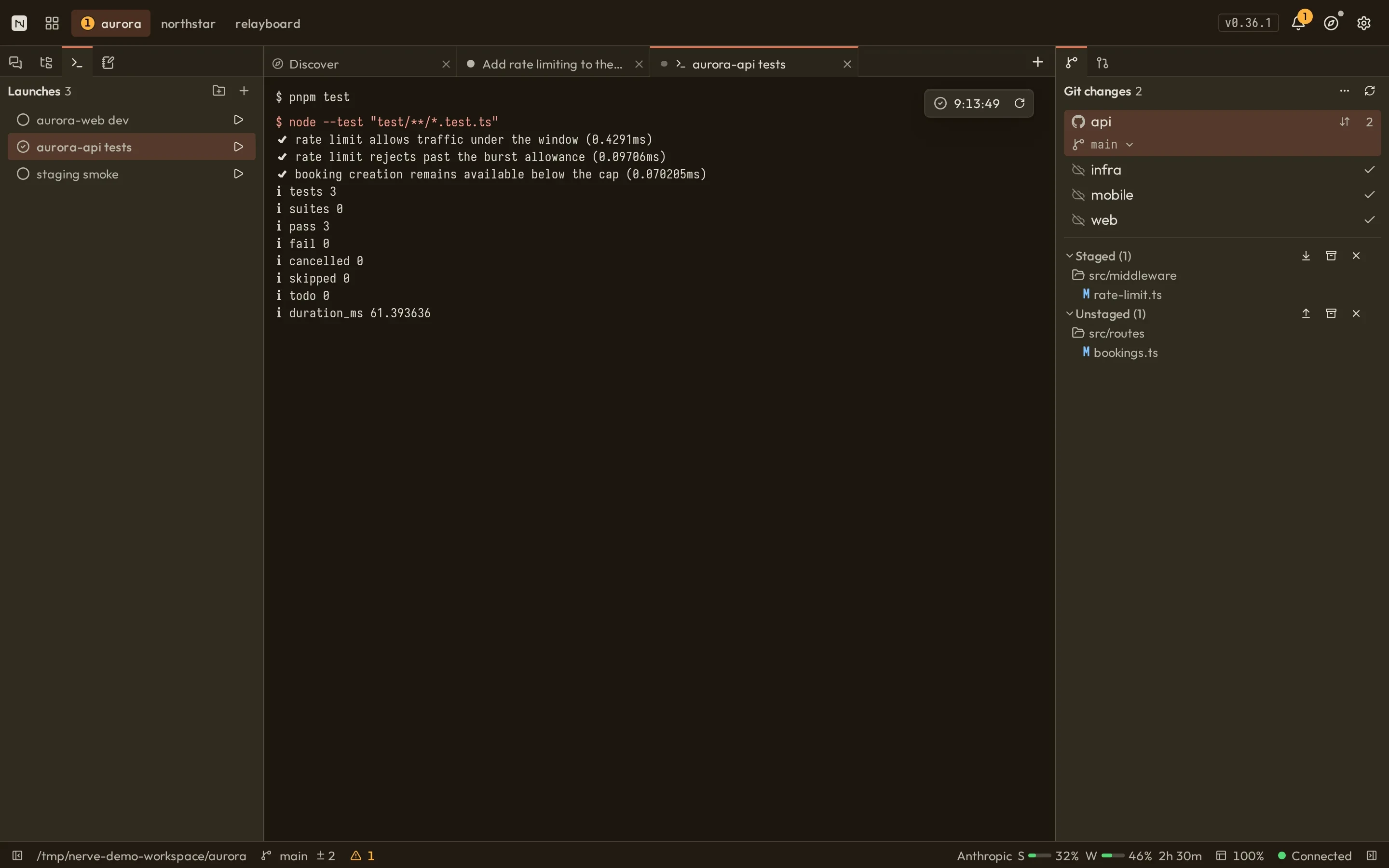
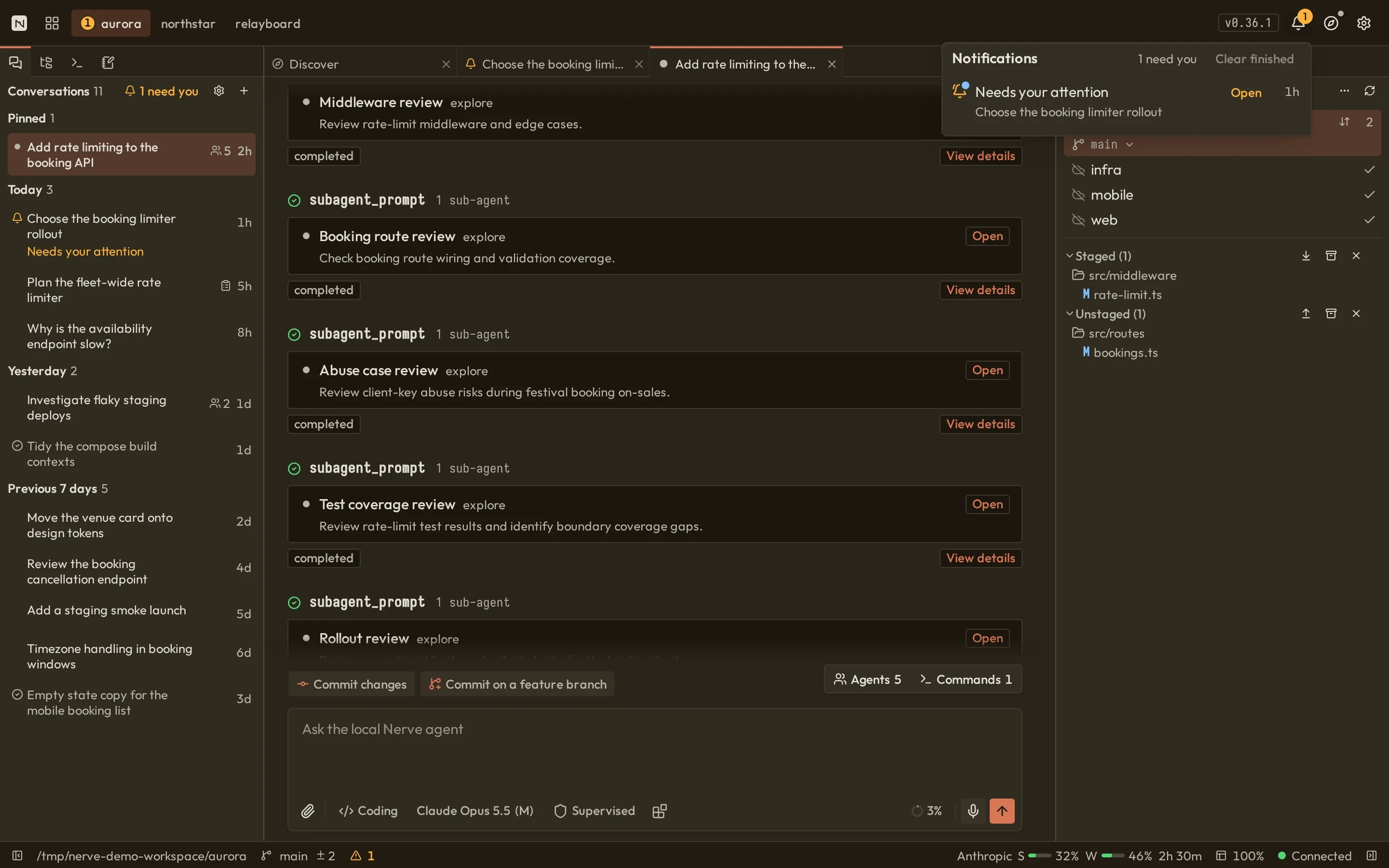
Nerve conversation showing command output, validation results, pull request details, and the composerNerve conversation showing command output, validation results, pull request details, and the composer
02

Every change, accounted for

Git is a panel, not a second tool.

Watch the working tree change as the agent works. Stage, unstage, discard, fetch, pull, push, and sync from the same shell as the conversation.

  • The diff the agent produced is the diff you review
  • Destructive actions ask before they run
nerve · git
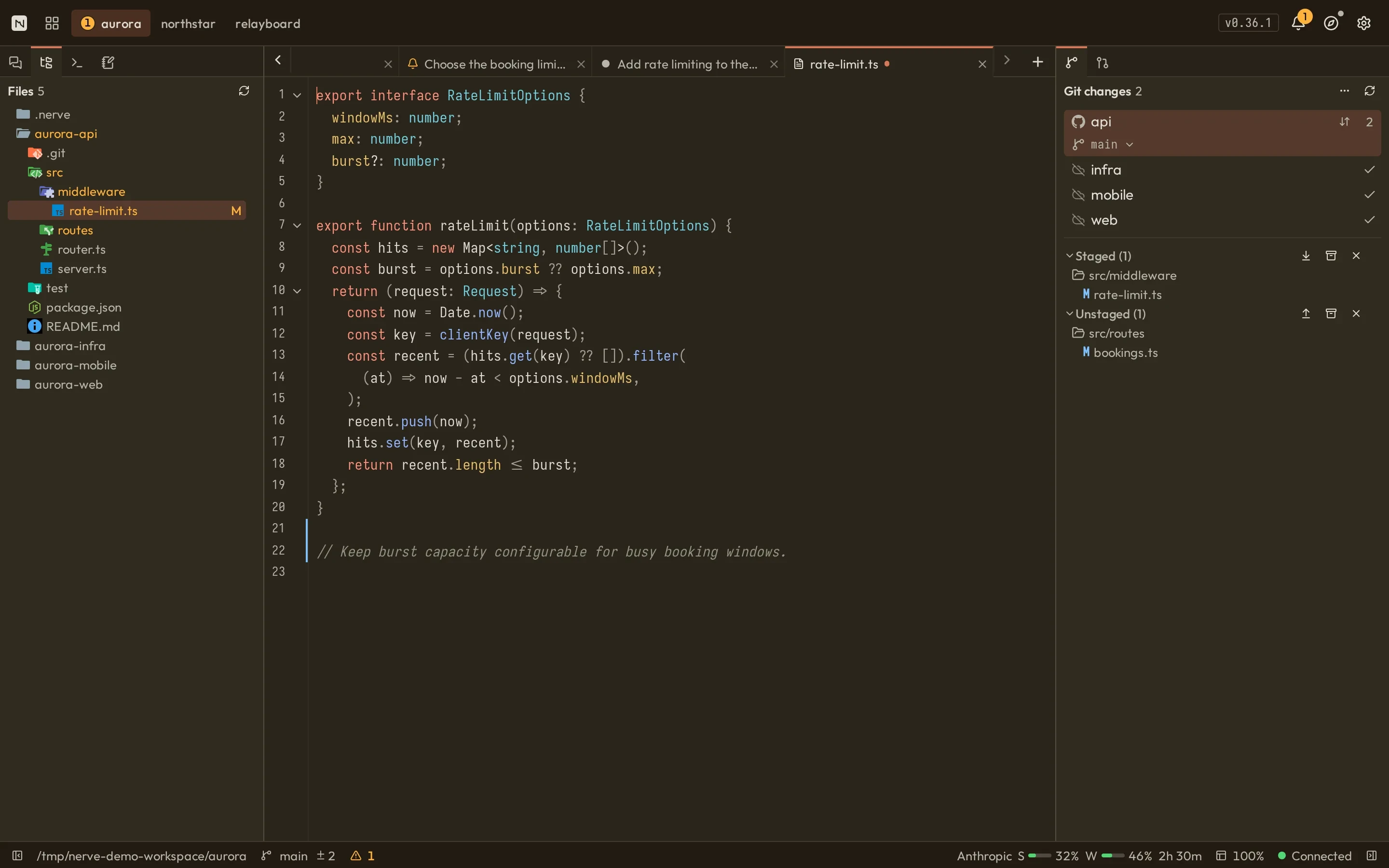
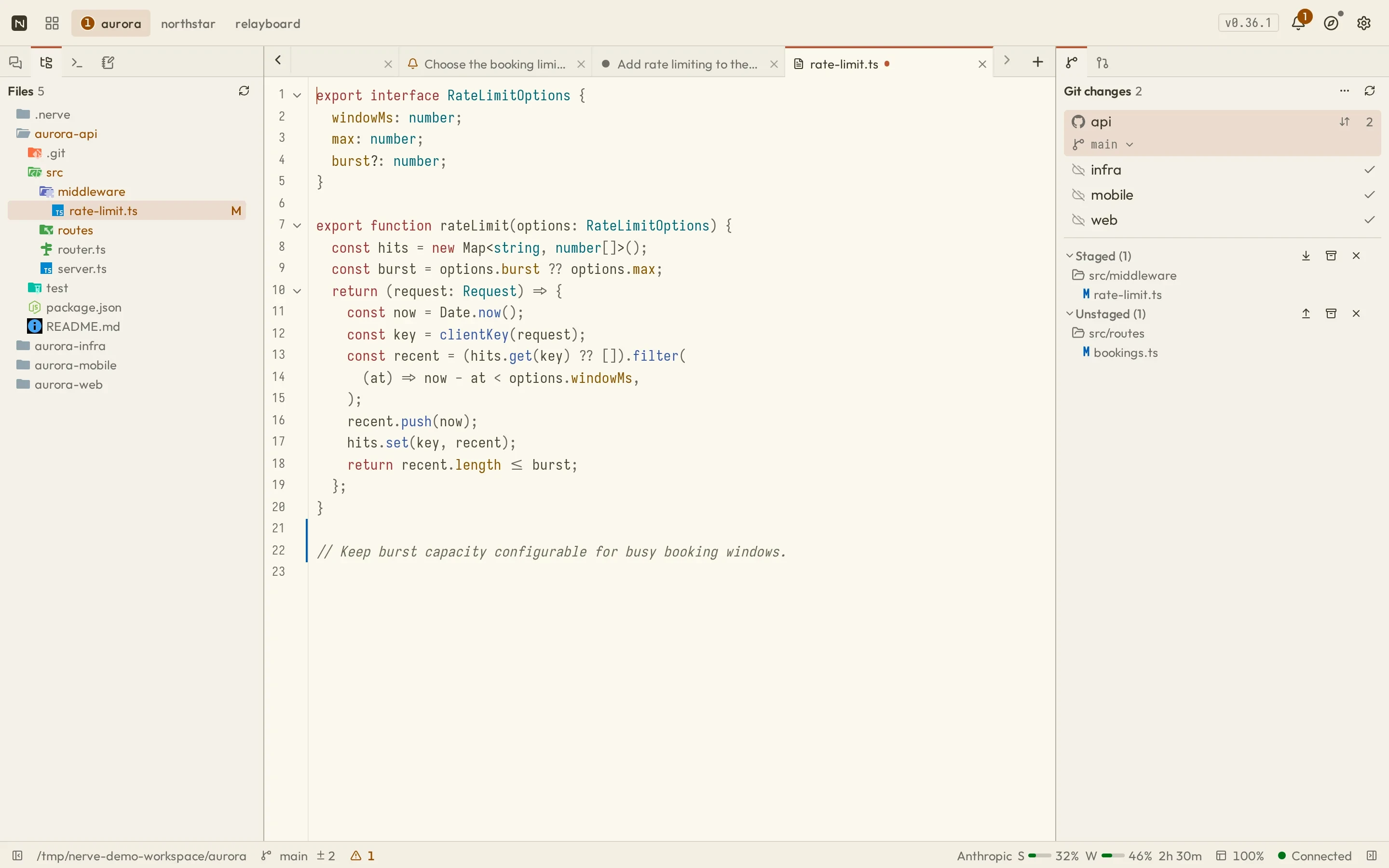
Nerve workbench with a conversation on the left and the Git panel listing unstaged changes on the rightNerve workbench with a conversation on the left and the Git panel listing unstaged changes on the right
03

Review before you merge

Pull requests live beside the work.

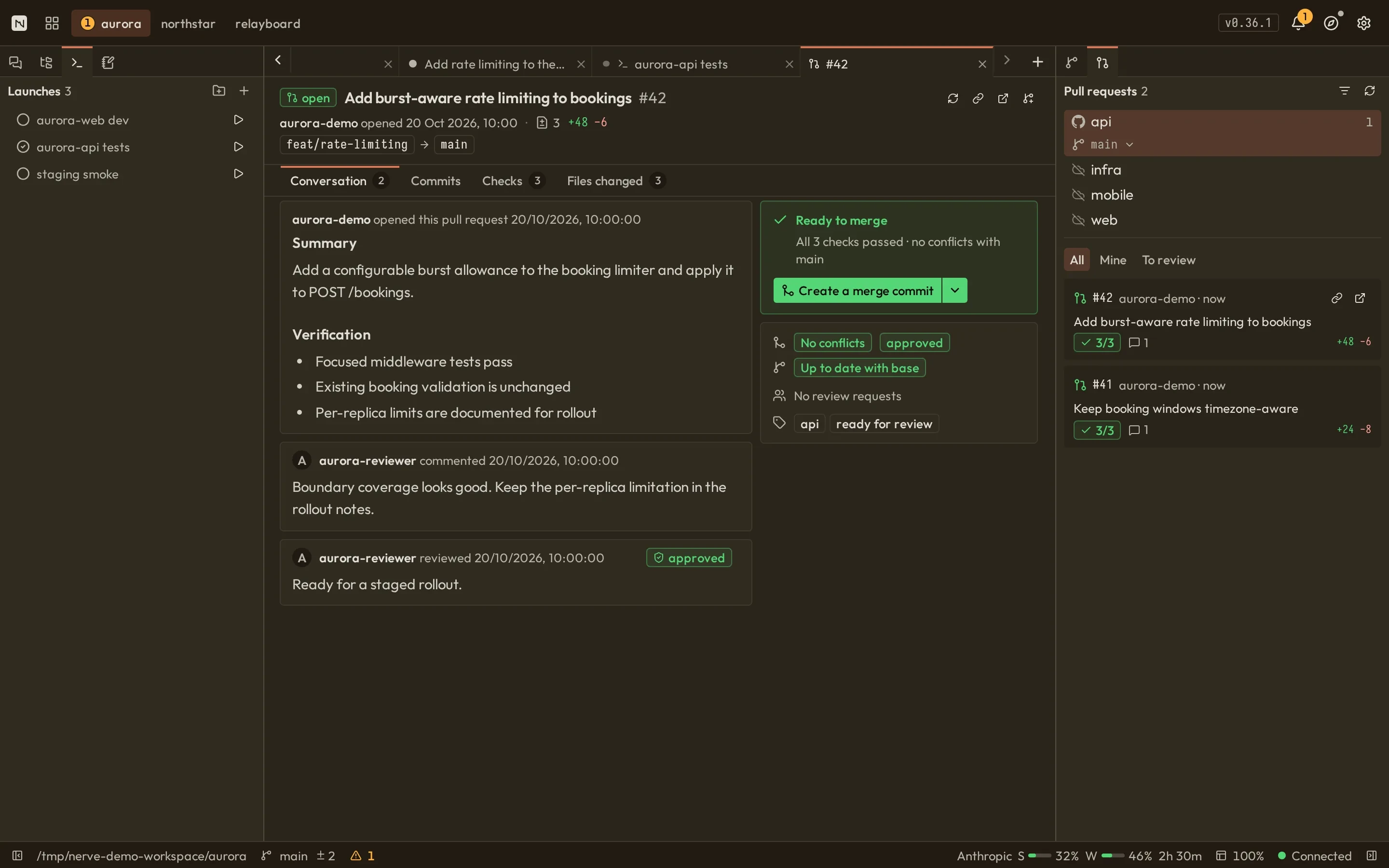
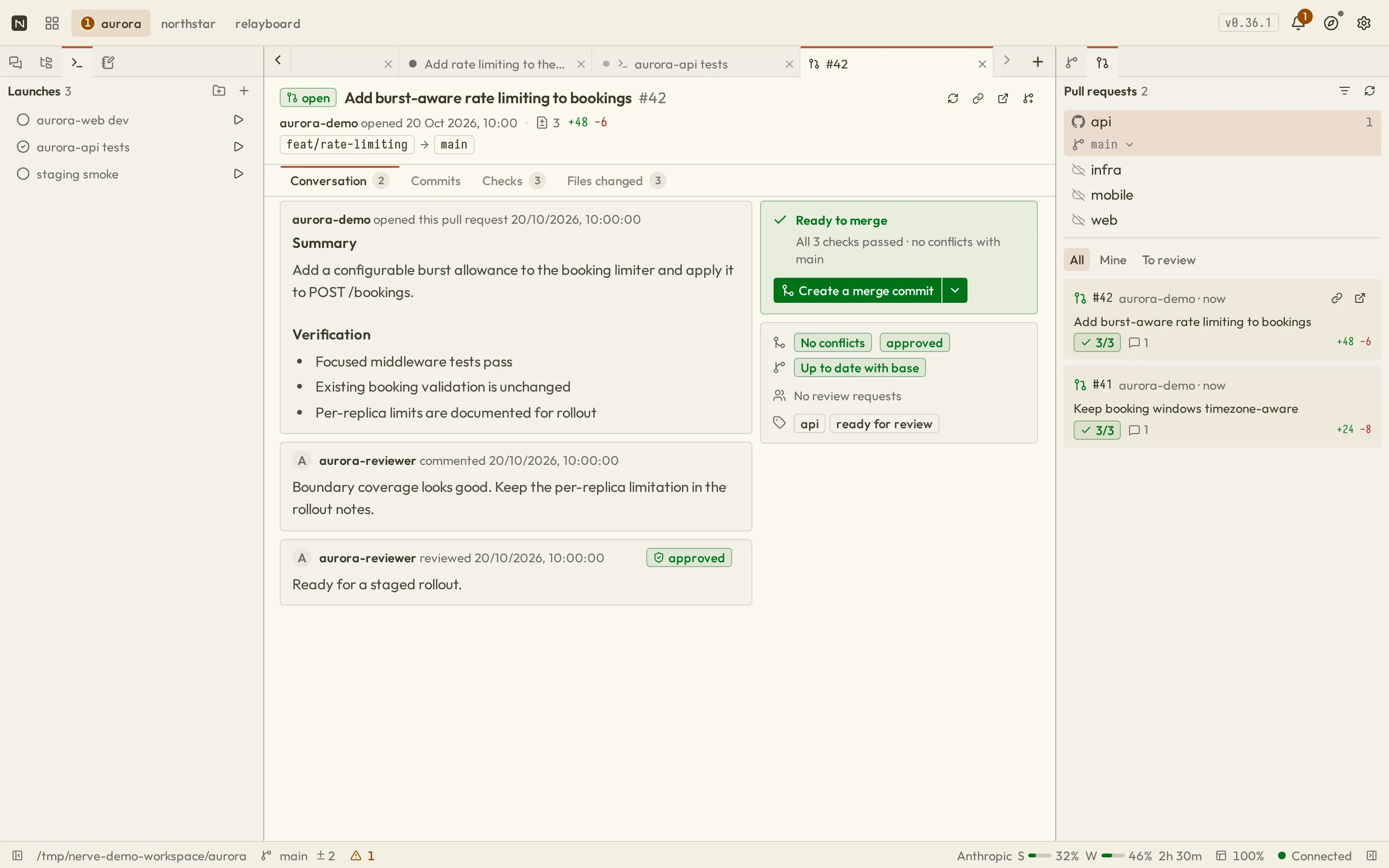
Open a pull request, read its summary, inspect files, and see check status without leaving the workbench.

  • Mergeability is visible at a glance
  • Checks and changed files have dedicated views

Requires a GitHub remote plus gh auth login.

nerve · pull request
Nerve pull request view with summary, mergeability overview, and a ready-to-merge panelNerve pull request view with summary, mergeability overview, and a ready-to-merge panel
04

Supervised processes

Long-running work keeps a pulse.

Run and revisit development servers, builds, and tests with durable output and explicit start, stop, and restart controls.

  • Runs preserve their status and output
  • Up to 24 hours of runtime per task run
nerve · tasks
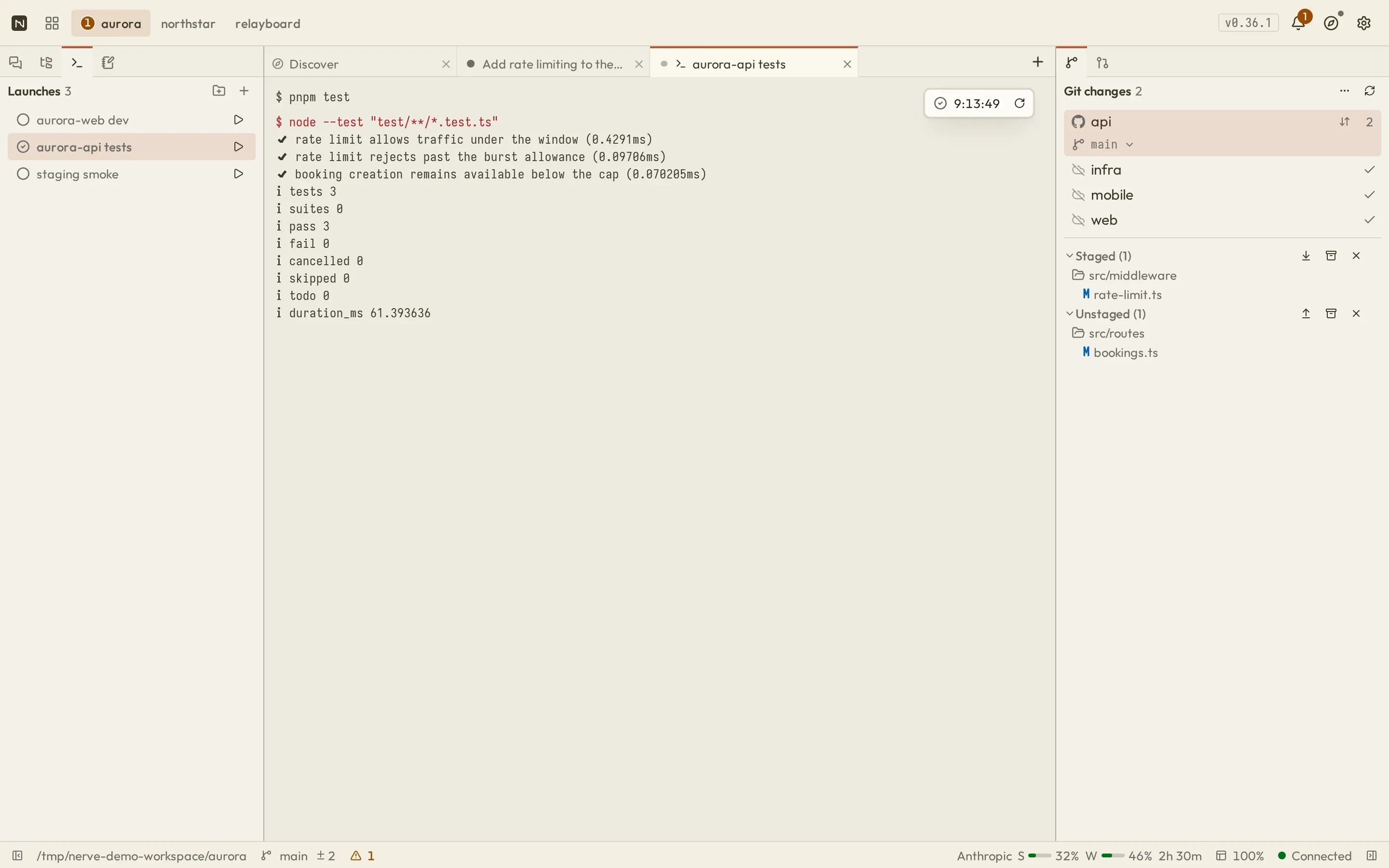
Nerve tasks view listing task runs with status pills beside streamed process outputNerve tasks view listing task runs with status pills beside streamed process output

Tuned defaults, visible seams

When it breaks, you keep the work.

Provider failures, context limits, and wrong turns are expected states in Nerve — handled by defaults you can see and change, never by dead ends.

3 × 2s

Automatic retries

A failed provider call is retried three times on a 2s exponential base before the run is surfaced as failed.

80 / 15

Context compaction

The balanced profile compacts near 80% of context retaining roughly 15%, and auto-continues up to three times.

other profiles: 70/10 · 90/25
checkpoint

Continue from failure

After a daemon restart, active runs with valid checkpoints become interrupted — and can be continued, not replayed.

branch

Nothing is overwritten

Navigate to any earlier entry and continue on a new branch. The previous lineage stays in history.

usage

Spend stays visible

Cumulative tokens, cache activity, estimated cost, and context fraction in the composer — plus session and weekly subscription windows.

subscription windows: OAuth Anthropic · OpenAI Codex
ping

You hear it land

Desktop or browser notifications with independent sounds for questions, plan reviews, approvals, completions, and failures.

Conversation history

Every run is a graph you can walk.

The whole conversation is a navigable graph of messages, tool calls, and branches. Zoom into any node to read its arguments and result, then jump to that point or fork a new branch from it.

  • Long runs collapse into step groups so the graph stays readable
  • Navigating changes the active branch; earlier lineage is preserved
  • Optional summaries when you jump are generated locally
Read about history and recovery
nerve · conversation history
The Nerve conversation history graph showing collapsed step groups, branching paths, tool nodes, and an entry details panelThe Nerve conversation history graph showing collapsed step groups, branching paths, tool nodes, and an entry details panel

Recovered task processes cannot be reattached to their original output pipes after a daemon restart.

Wherever the daemon is reachable

A workbench that adapts, not a desktop squeezed onto a phone

Responsive by design

The same workbench, in your pocket.

Connect from another device on your LAN and keep conversations, composer controls, and dock panels within reach.

Set up LAN access

LAN access is an explicit opt-in over HTTPS with a local certificate authority. It is not safe to expose to the public internet on its own.

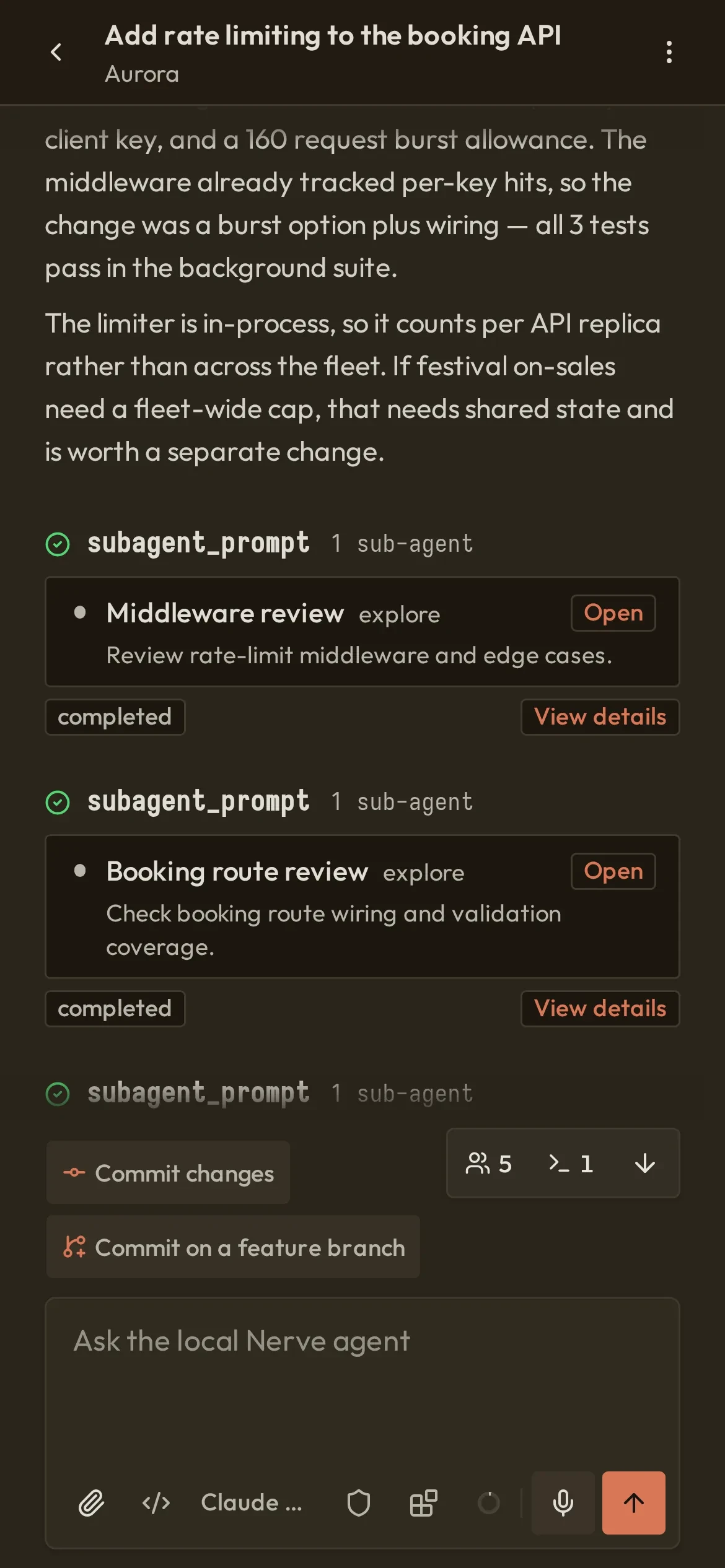
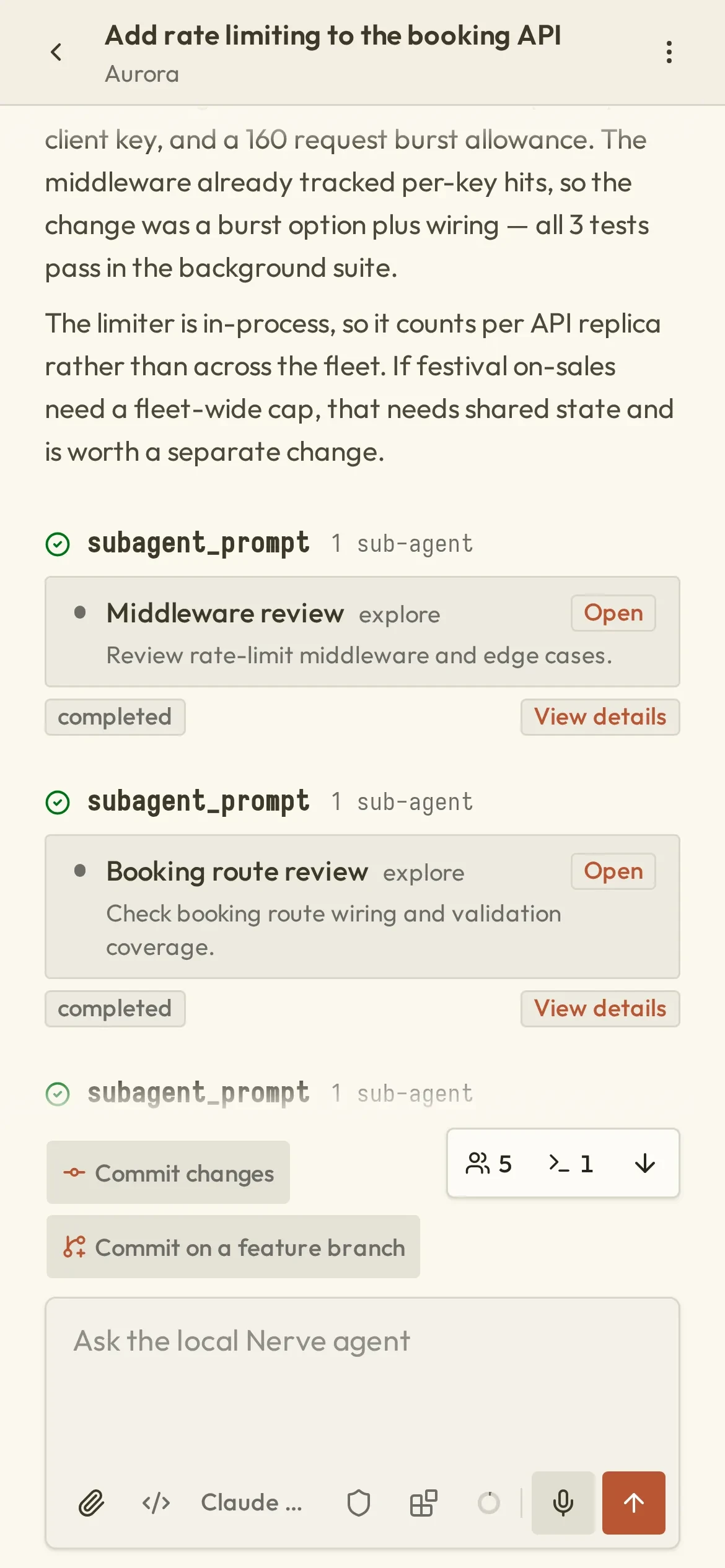
  • Phone-width Nerve conversation with the composer at the bottomPhone-width Nerve conversation with the composer at the bottom
    Conversation
  • Nerve model and thinking level picker on a phoneNerve model and thinking level picker on a phone
    Model control
  • The Nerve Git panel open as a phone-width sheetThe Nerve Git panel open as a phone-width sheet
    Dock sheets

Ready when you are

Run it on your own machine.

Three steps, no account, and nothing leaves your machine until you ask it to.

  1. 01Install the desktop shellNode.js 24+
  2. 02Connect a providerAPI key or OAuth
  3. 03Open your first projectAny local repository
npx @nervekit/desktop@latestNode.js 24+

Apache-2.0 · Linux, Windows 11, and macOS · loopback by default